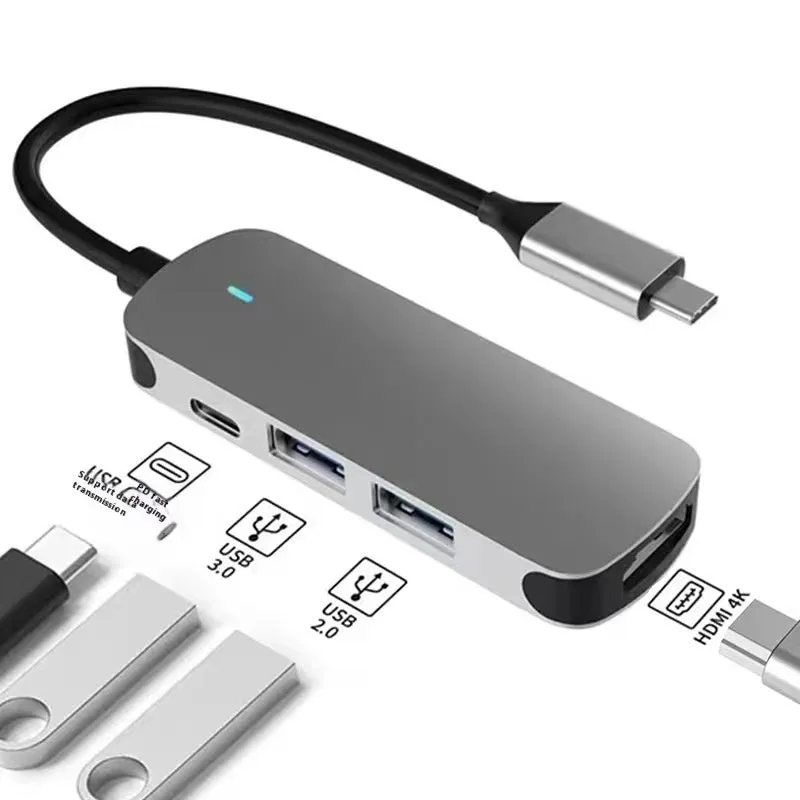
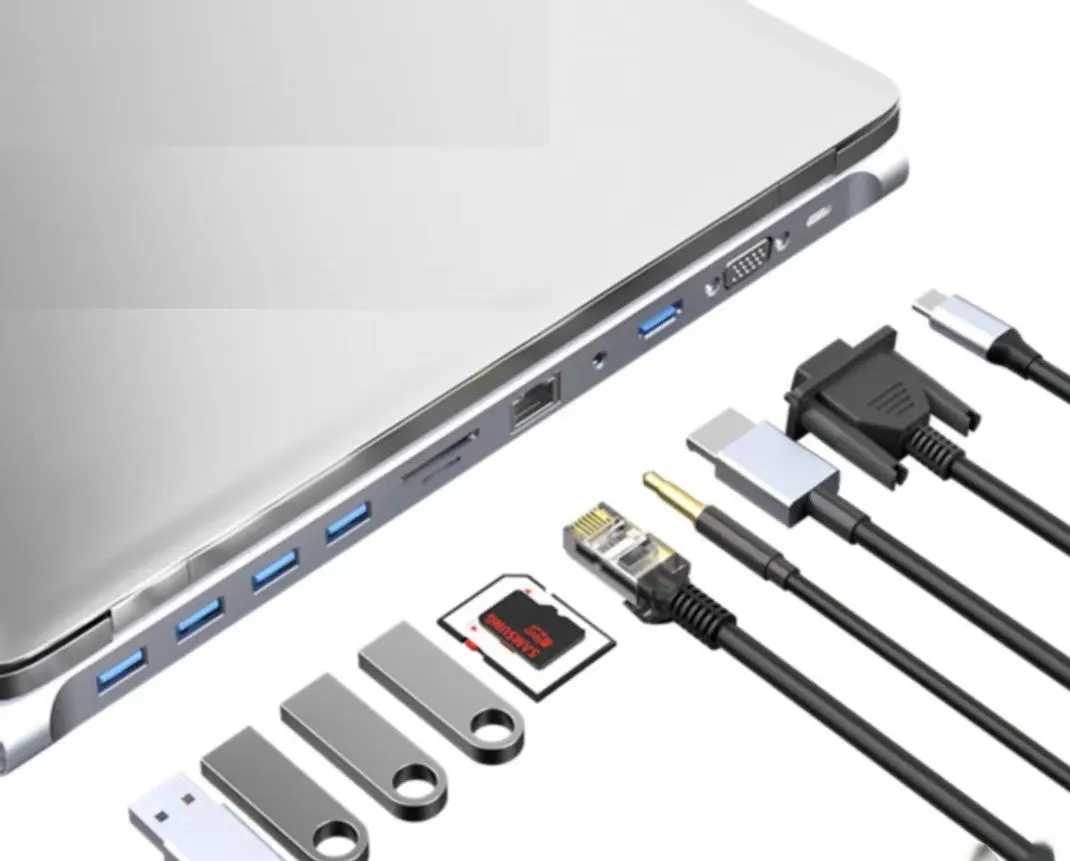
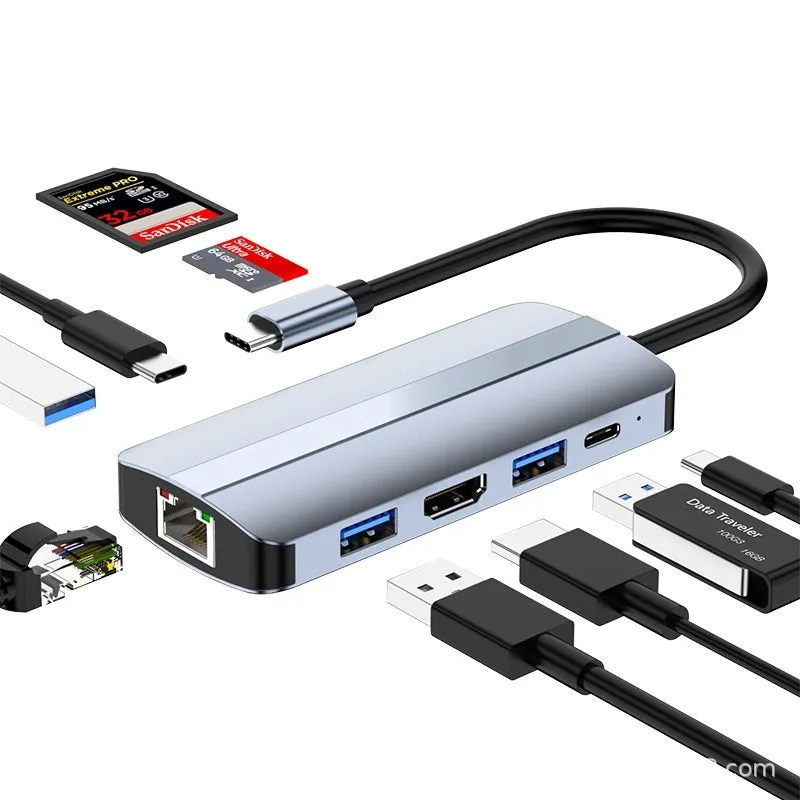
USB-C 7-in-1 expansion dock with HDMI projection, USB hub, and multi-function cable separation for laptop connection, featuring a 15cm cable length and ten interface configuration options


USB-C 7-in-1 expansion dock with HDMI projection, USB hub, and multi-function cable separation for laptop connection, featuring a 15cm cable length and ten interface configuration options
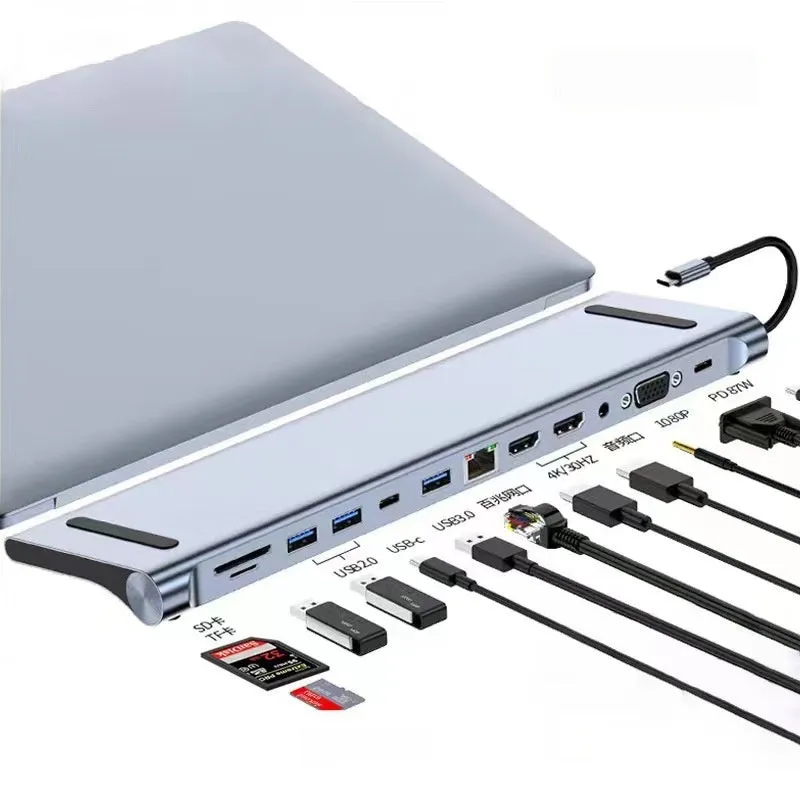
USB-C 7-in-1 expansion dock with HDMI projection and ten interface configurations
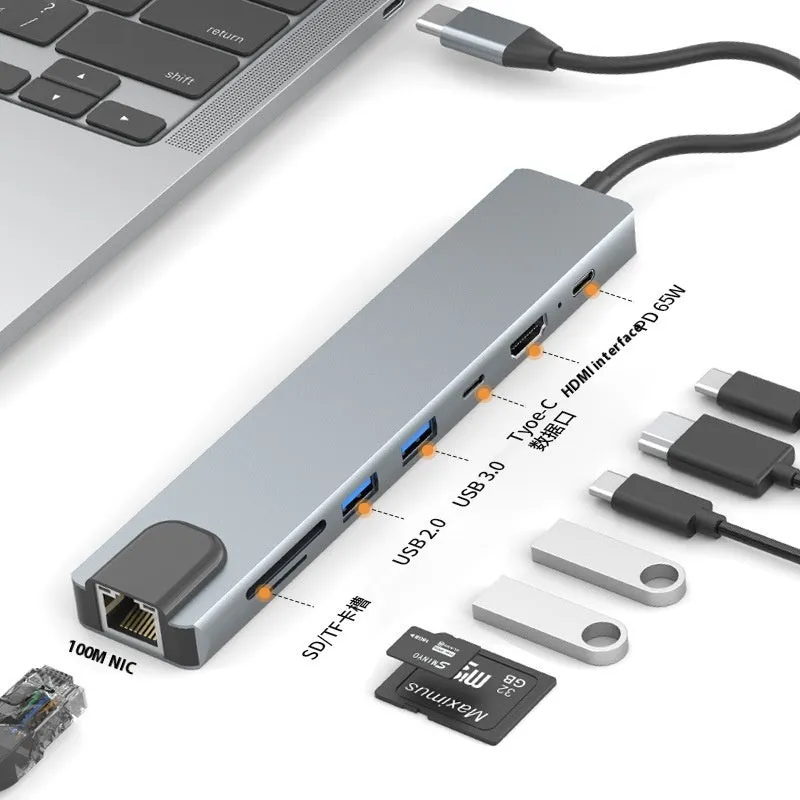
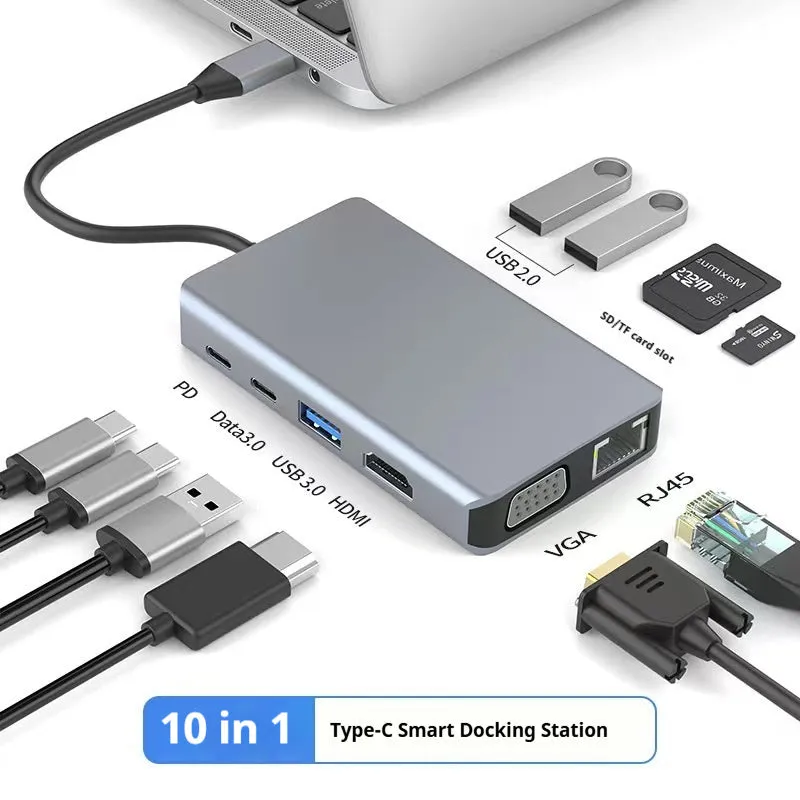
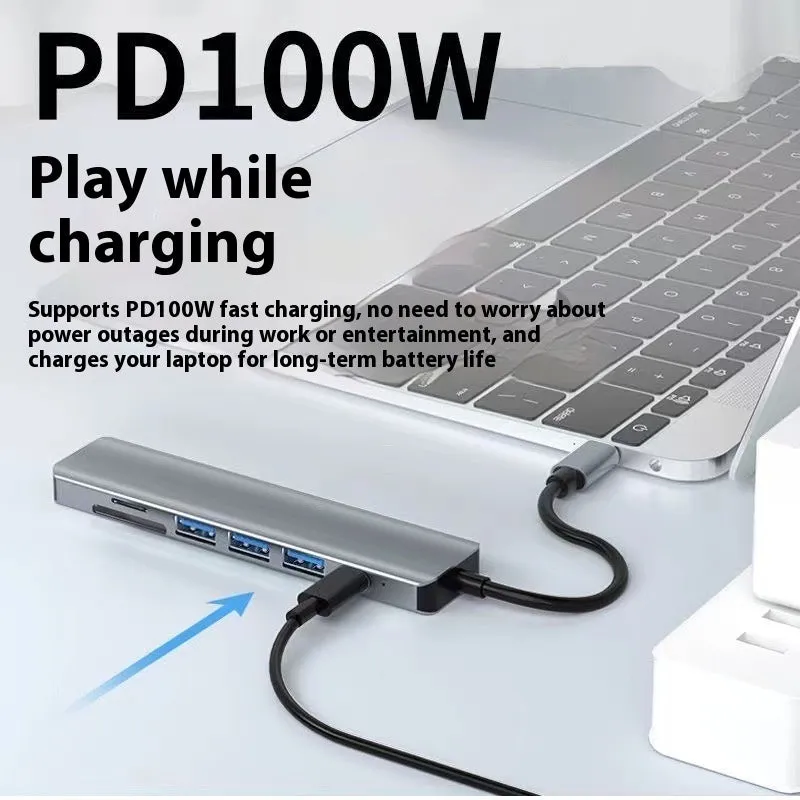
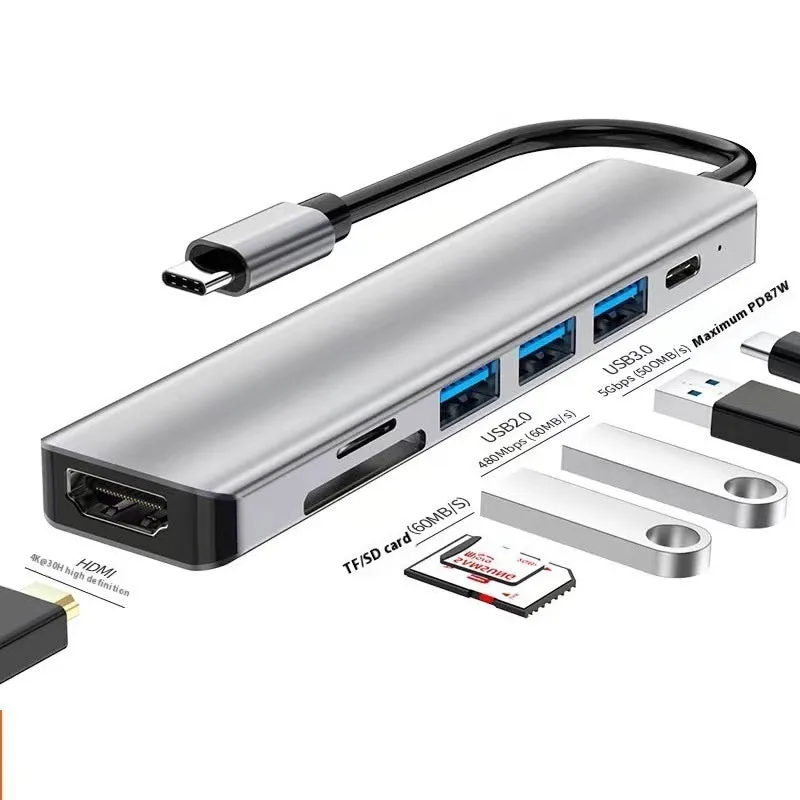
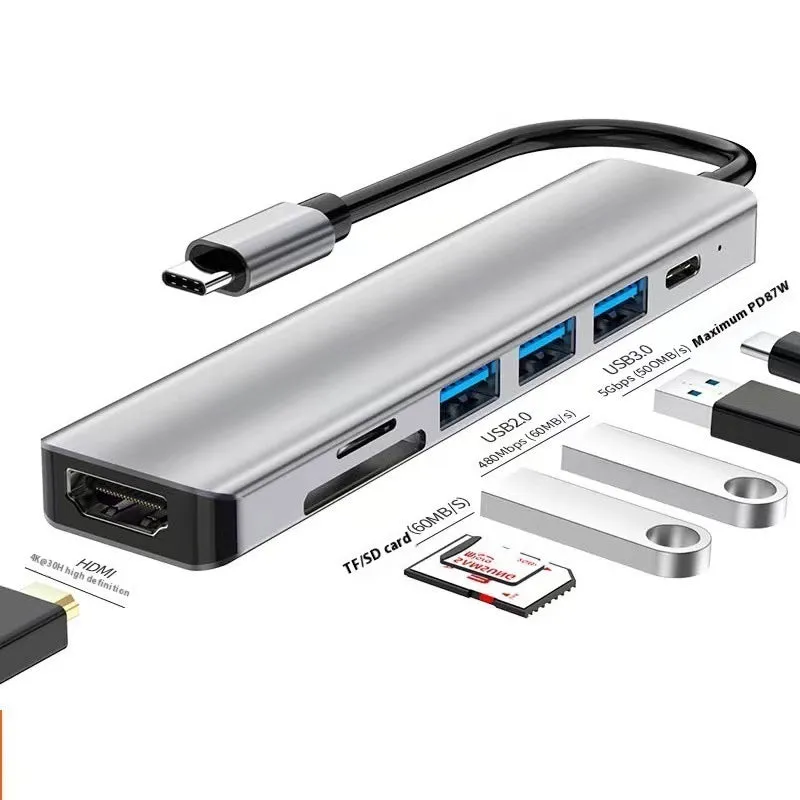
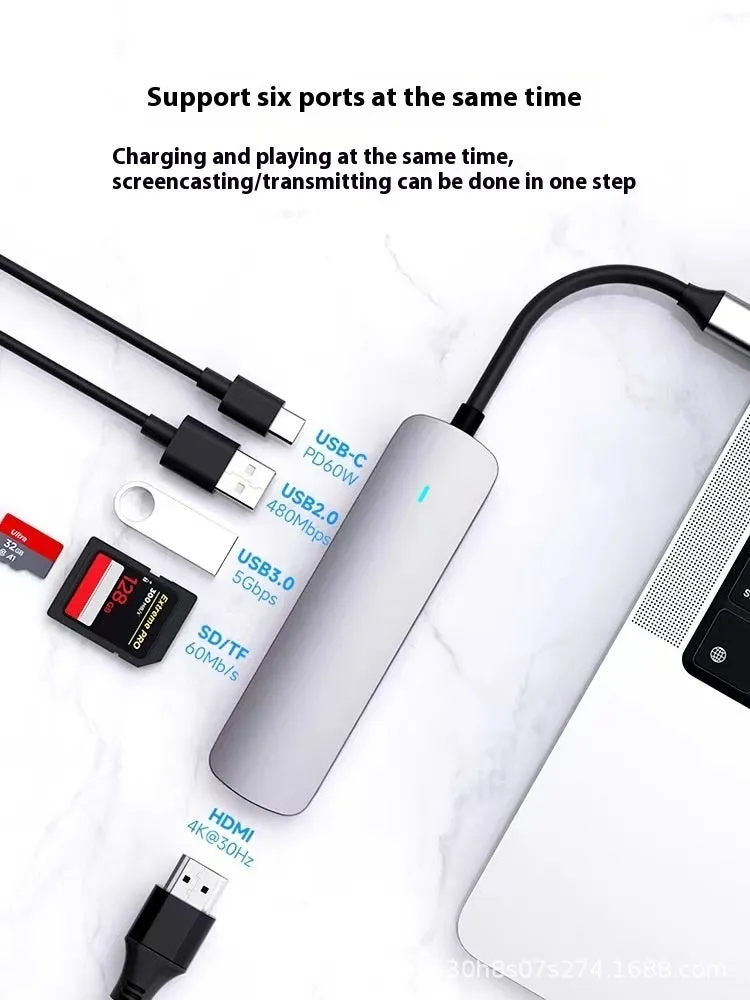
Modern laptops increasingly rely on USB-C connectivity, often at the expense of traditional ports. This USB-C 7-in-1 expansion dock addresses that limitation by providing a comprehensive connection hub through a single Type-C cable. It serves as both a display extender via its HDMI output and a multi-port hub for various peripherals, consolidating your setup into one organised unit. With ten distinct interface configurations available, you can match the dock's port selection precisely to your work or presentation requirements, whether you need multiple USB connections, display outputs, or other interfaces. The integrated 15cm cable ensures a tidy, short-reach connection that reduces desk clutter and keeps your workspace orderly.
Features and Construction
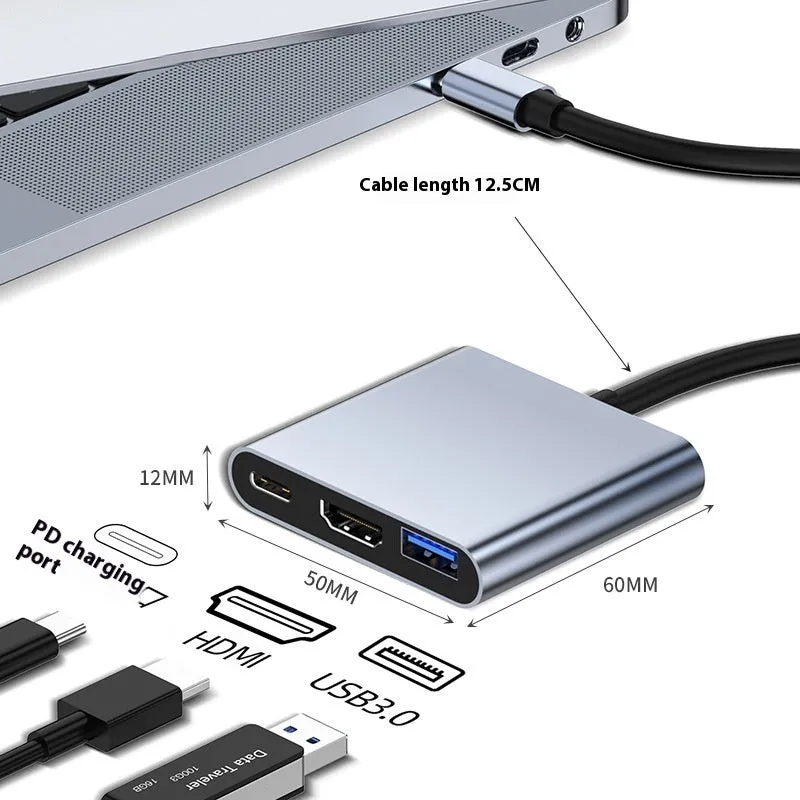
This expansion dock is engineered to expand the capabilities of laptops and devices with USB-C ports. Its core function is to split a single Type-C connection into multiple usable ports, including video output and data transfer interfaces. The construction centres on providing reliable connectivity in a compact form factor.
Material and Build
The dock's housing is manufactured from durable plastic materials that protect the internal electronic circuitry. This construction provides a lightweight yet robust enclosure suitable for desktop use. The internal components are designed to manage power distribution and data signalling between the host device and connected peripherals. The build focuses on functional reliability for daily connectivity tasks rather than specialised industrial applications.
Size and Practical Fit
The key physical specification provided is the integrated USB-C cable, which measures 15cm in length. This cable length is designed for practicality, allowing the dock to sit neatly beside your laptop without excessive loose cable. It provides enough reach for flexible placement while maintaining a clean, organised desk appearance. The dock itself is a compact unit that doesn't occupy excessive desk space, making it suitable for use with laptops in various environments, from home offices to meeting rooms.
Uses and Placement
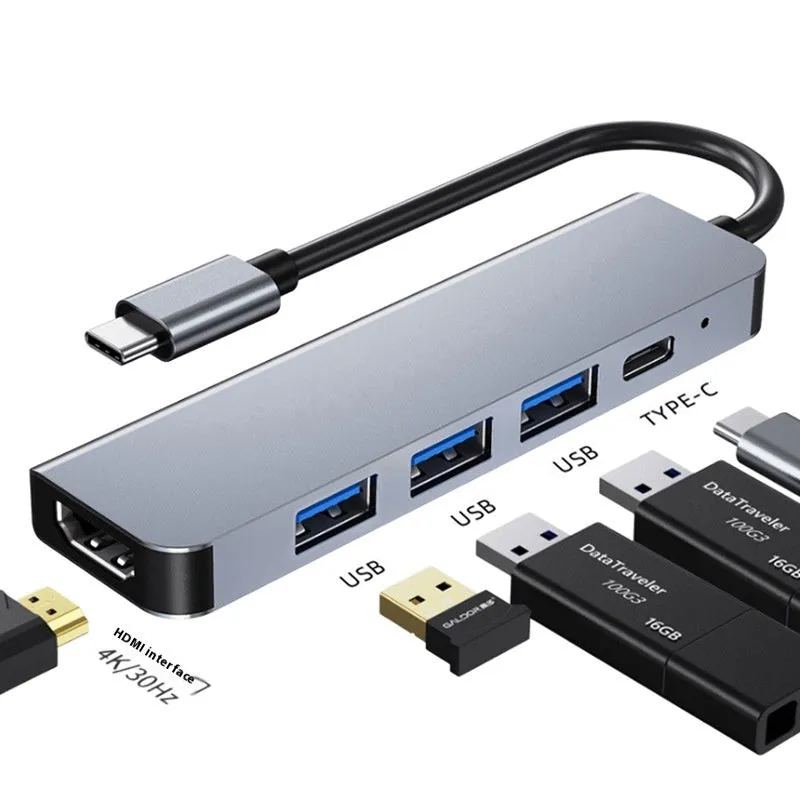
The dock's functionality supports both professional presentation scenarios and everyday multi-device connectivity. Its HDMI output makes it particularly valuable for situations requiring a larger display, while its hub capabilities address the need for connecting multiple accessories simultaneously.
Event or Professional Use
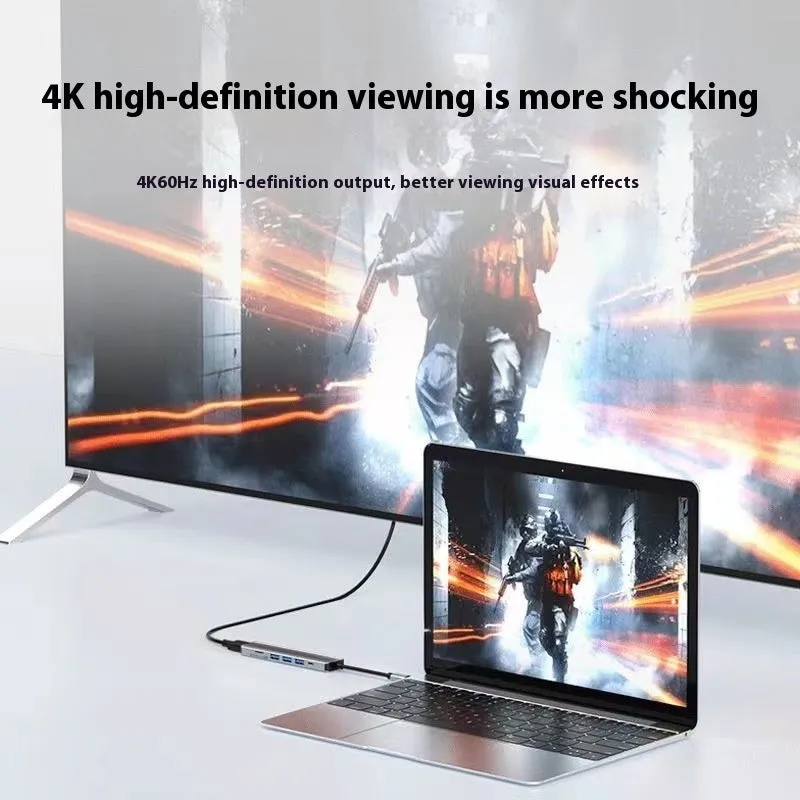
In professional settings, the HDMI projection capability allows you to connect your laptop to monitors, projectors, or large-screen televisions for presentations, training sessions, or collaborative work. The multi-port hub functionality lets you connect a wired mouse, keyboard, external hard drive, and other peripherals while your display is extended. This setup is useful for conference rooms, client meetings, or trade show booths where a tidy, single-cable connection to a presentation screen is advantageous. The ten interface configuration options mean you can select a port combination suited to the specific peripherals required for your professional task.
Everyday Home Use
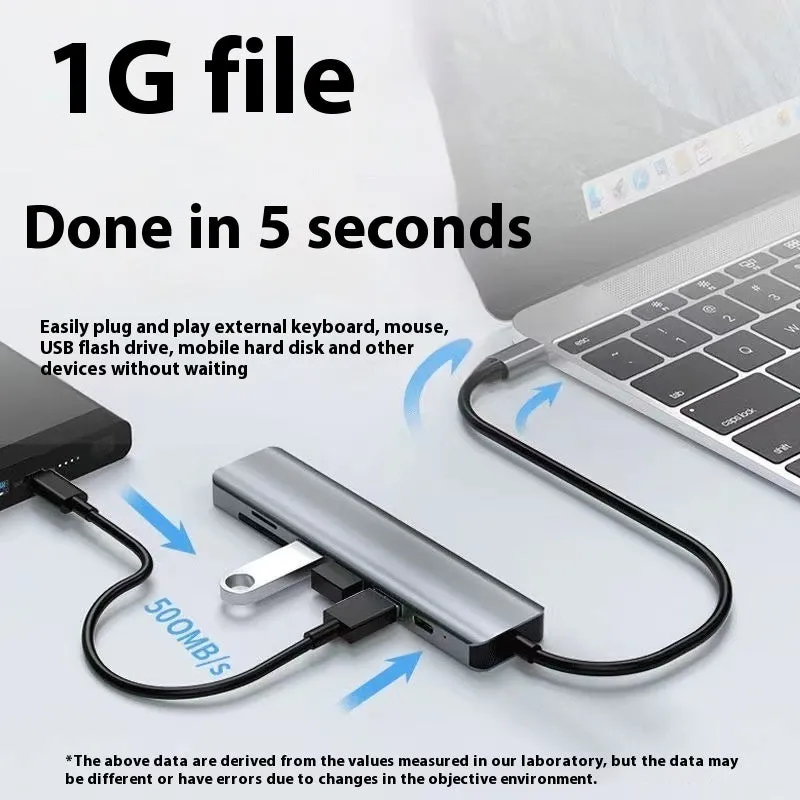
For home office or personal computing, the dock transforms a laptop with limited ports into a fully-featured workstation. You can connect an external monitor for a dual-screen setup, attach USB flash drives for file transfer, and plug in peripherals like printers or card readers—all through one hub. The cable separation function organises what would otherwise be multiple individual cables running to your laptop, reducing desk clutter. It's a practical solution for users who frequently switch between different accessories but want to maintain a clean workspace without constantly plugging and unplugging cables directly into their laptop.
Benefits and Buying Value
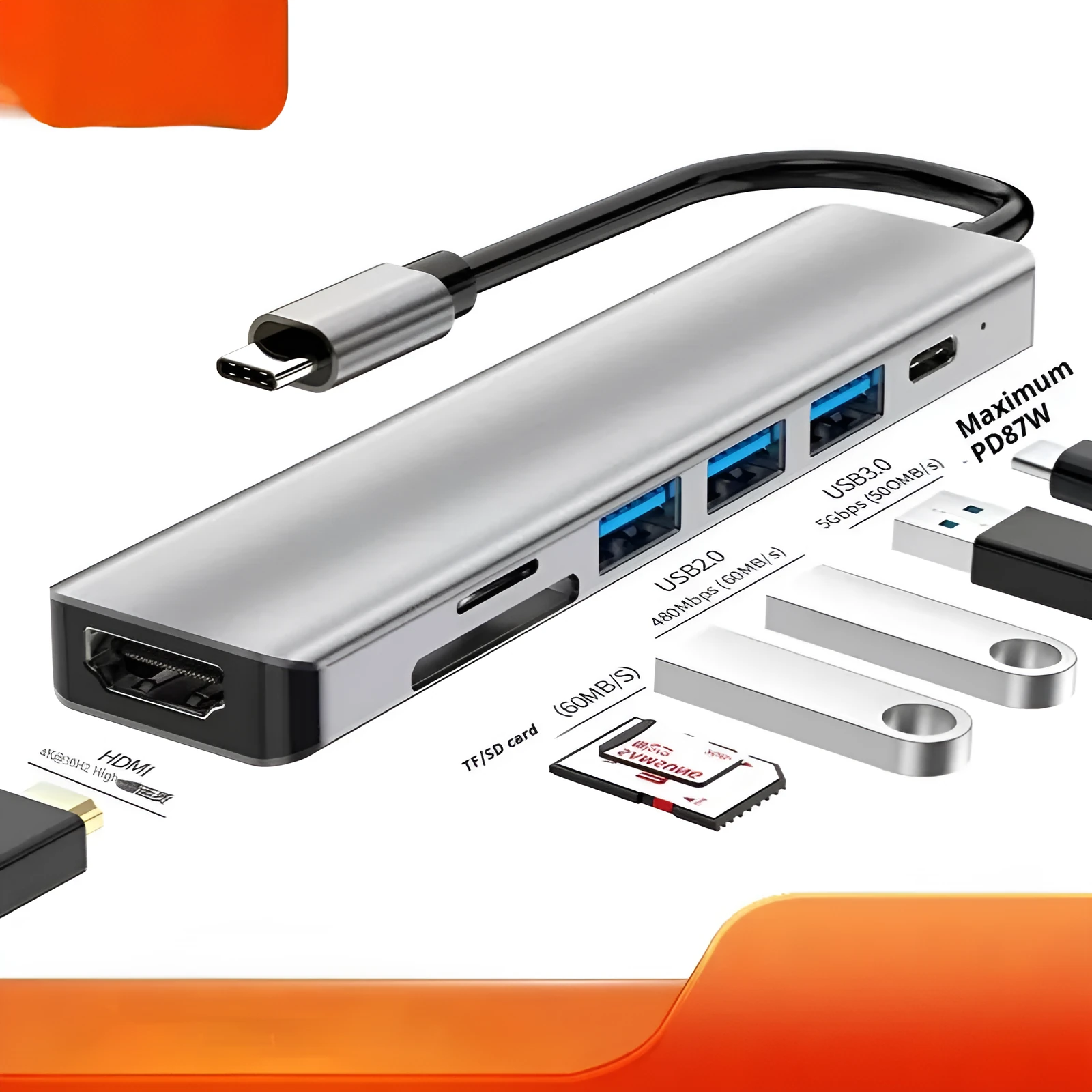
The value of this expansion dock lies in its ability to extend the utility of modern laptops and its adaptable configuration options. It addresses a common connectivity challenge in a straightforward, reusable manner.
Reuse and Low Maintenance
As a passive hardware device, the dock requires no software installation or ongoing maintenance beyond standard care for electronic equipment. Its simple plug-and-play operation means it can be used repeatedly with different laptops or devices that feature a USB-C port. The ten interface options provide adaptability, so if your peripheral needs change—for example, if you acquire a new device requiring a different port—the dock can remain relevant. There are no consumable parts, so with reasonable handling, it serves as a long-term connectivity solution.
Why Choose This Product
This product is chosen for its specific combination of HDMI projection and multi-port hub functionality in a single unit with a 15cm cable. The ten interface configuration options provide a level of customisation not always available in standard docks, allowing you to match the port selection to your exact requirements. It solves the practical problem of connecting multiple peripherals and an external display to a laptop with only one or two USB-C ports, eliminating the need for several separate adapters. The integrated cable length is designed for neat desktop organisation, which is a practical consideration for maintaining an orderly workspace.