Xbox Series X/S Hard Disk Switching Box host expansion card aluminium alloy enclosure 30 x 60 x 7 mm CFexpress to M.2 SSD converter for console storage upgrade


Xbox Series X/S Hard Disk Switching Box host expansion card aluminium alloy enclosure 30 x 60 x 7 mm CFexpress to M.2 SSD converter for console storage upgrade
Xbox Series X/S Hard Disk Switching Box for Console Storage Expansion

This host expansion card is a specialised hardware solution designed to address the specific storage upgrade needs of Xbox Series X and Series S console owners. It functions as a switching box, enabling the connection of a standard M.2 solid-state drive (SSD) to the console's internal expansion slot via a CFexpress interface. The primary benefit is providing an alternative path to increasing your console's storage capacity, moving beyond the proprietary and often more expensive expansion cards. The kit arrives ready for installation, containing all the necessary tools to complete the upgrade process.
Features and Construction
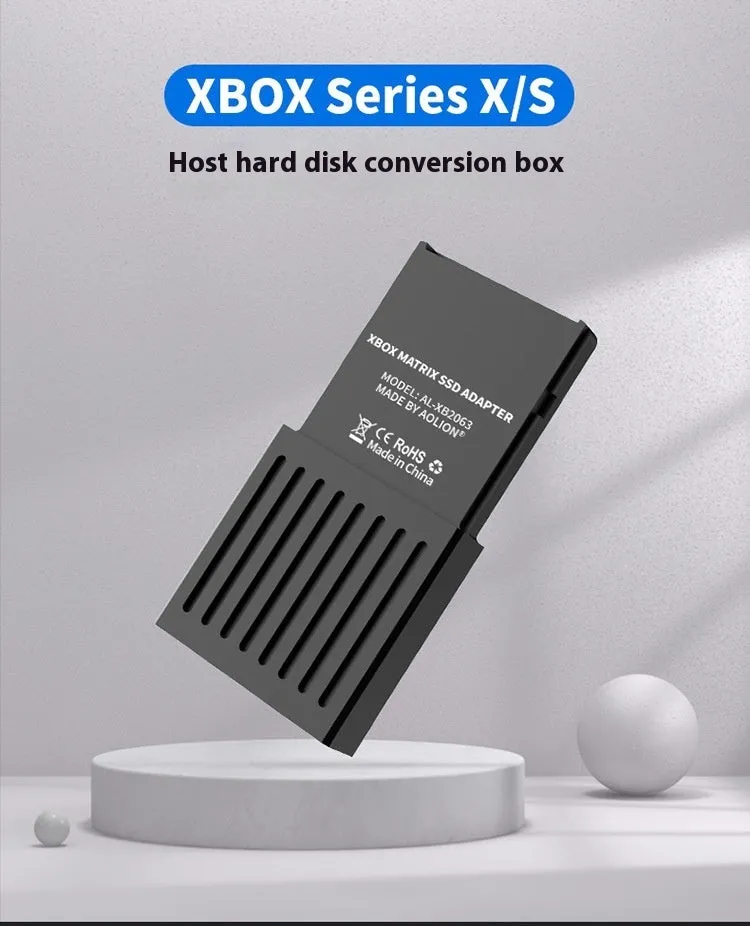
The switching box is built with practicality and fit for purpose as its guiding principles. Its design focuses on compatibility with the Xbox Series X/S architecture and providing a secure housing for a user-supplied M.2 SSD drive.
Material and Build
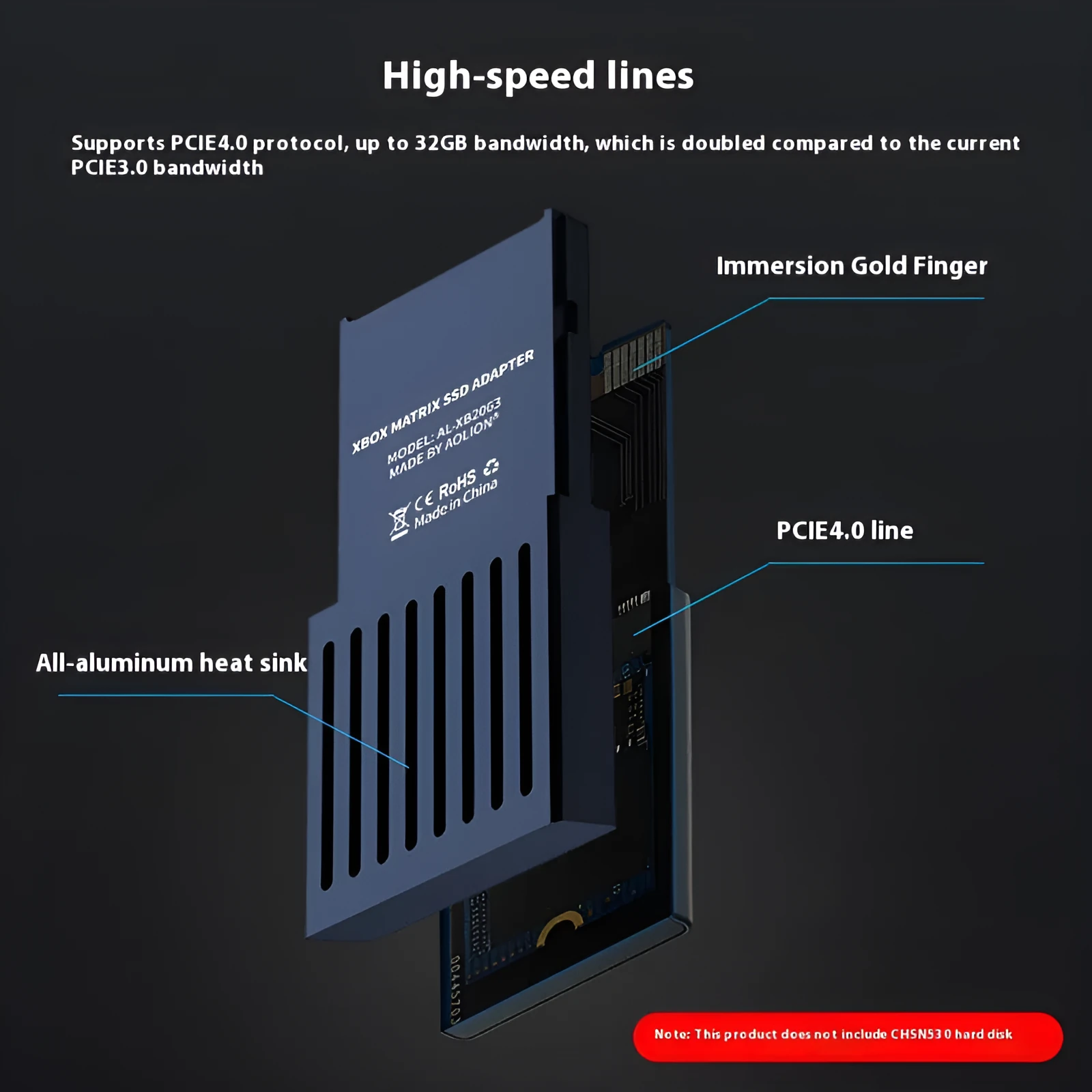
The main chassis of the switching box is fabricated from aluminium alloy. This material choice offers a balance of lightweight properties and sufficient structural rigidity to protect the internal SSD and maintain connection integrity once installed inside the console. The alloy construction also aids in passive heat dissipation from the drive, a consideration for components operating within the confined space of a games console.
Size and Practical Fit
The unit's dimensions are precisely 30 millimetres in width, 60 millimetres in length, and 7 millimetres in thickness. This compact form factor is engineered to fit within the designated internal space of the Xbox Series X or Series S console. The CFexpress interface on one end is the key connector that mates with the console's internal slot, while the other end accommodates a standard M.2 SSD, effectively bridging the two formats.
Uses and Placement

This product serves a clear, single function: expanding the available storage on compatible Xbox consoles. Its use cases are defined by this technical application, whether for personal gaming libraries or professional demonstrations.
Event or Professional Use
The product information notes suitability for trade fairs and as a business gift. At trade fairs or demo events, this switching box could be used in a console setup to showcase game libraries or software without being limited by the console's default storage. As a business gift, it is a practical item for partners or clients within the gaming or technology sectors who own the relevant consoles.
Everyday Home Use
For the individual gamer, this unit solves the problem of a full console hard drive. It allows for the installation of additional games, downloadable content, and media without deleting existing files. By enabling the use of a potentially more cost-effective standard M.2 SSD compared to a proprietary expansion card, it provides a storage upgrade path that may offer better value for money, depending on drive prices.
Benefits and Buying Value
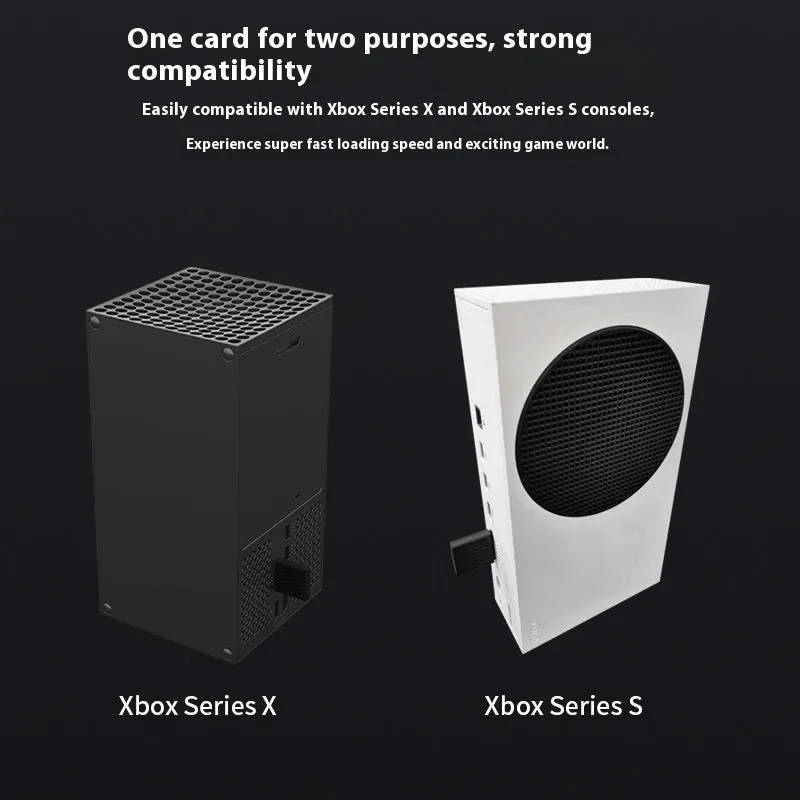
The value of this switching box lies in its specific functionality and the completeness of the supplied kit. It turns a generic component (an M.2 SSD) into a console-specific upgrade tool.
Reuse and Low Maintenance
Once installed, the switching box and the SSD it houses become a semi-permanent part of your console's storage solution. It requires no ongoing maintenance or software configuration beyond the initial setup detailed in the manual. The aluminium build is chosen for its durability in this static, internal application.
Why Choose This Product
This product is for the user who prefers a hands-on approach to upgrading their console and seeks an alternative to first-party expansion options. The included screwdriver and manual indicate a DIY-friendly kit, assuming a basic comfort level with opening hardware. The clear specification of being for Xbox Series X/S ensures compatibility, and the stated dimensions confirm it will physically fit. The main consideration is that you must supply your own compatible M.2 SSD to use with it.